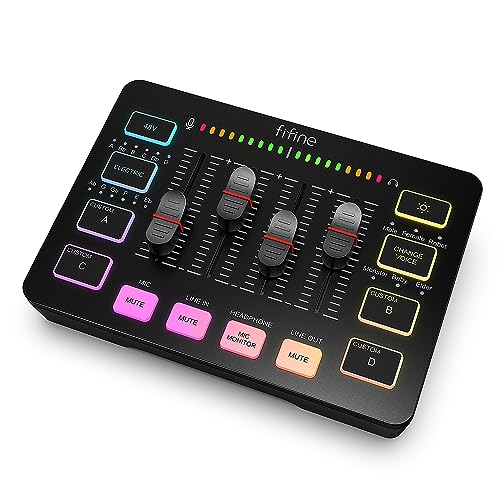


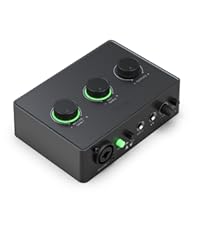
facmogu f998 live sound card audio mixer
[XLR Mic Input] Upgrade Your Live Streaming Audio Quality with One XLR Microphone Input Interface
Enhance your gaming live stream with a built-in XLR microphone input on the audio mixer. This interface supports 48V phantom power, making it compatible with condenser microphones without needing additional peripherals (USB mics not supported).
[Individual Channel Control] Control Each Sound for Exceptional Streaming
Experience the ultimate in audio control with the four independent channels on this gaming audio mixer: - Microphone: Control your mic level smoothly - Line in: Manage external audio inputs - Headphone: Adjust headphone levels - Line out: Manage external outputs
Individual channel control can be configured directly on the audio mixer, providing full flexibility.
[Mute and Monitor] Stream Confidently with Audio Muting and Monitoring
Stream without background noise worries with the front mute and monitor buttons. Easily mute audio to prevent unwanted interruptions. Real-time monitoring ensures clear communication, encouraging confident speaking during your streams.
[Sound Effects] Add Professional Touches with Custom Sound Effects
Enhance your recordings with pre-recorded, customizable sound effects. Choose from six voice-changing modes and twelve auto-tune options to perfect your output. Add fun and dynamic effects to make your content stand out.
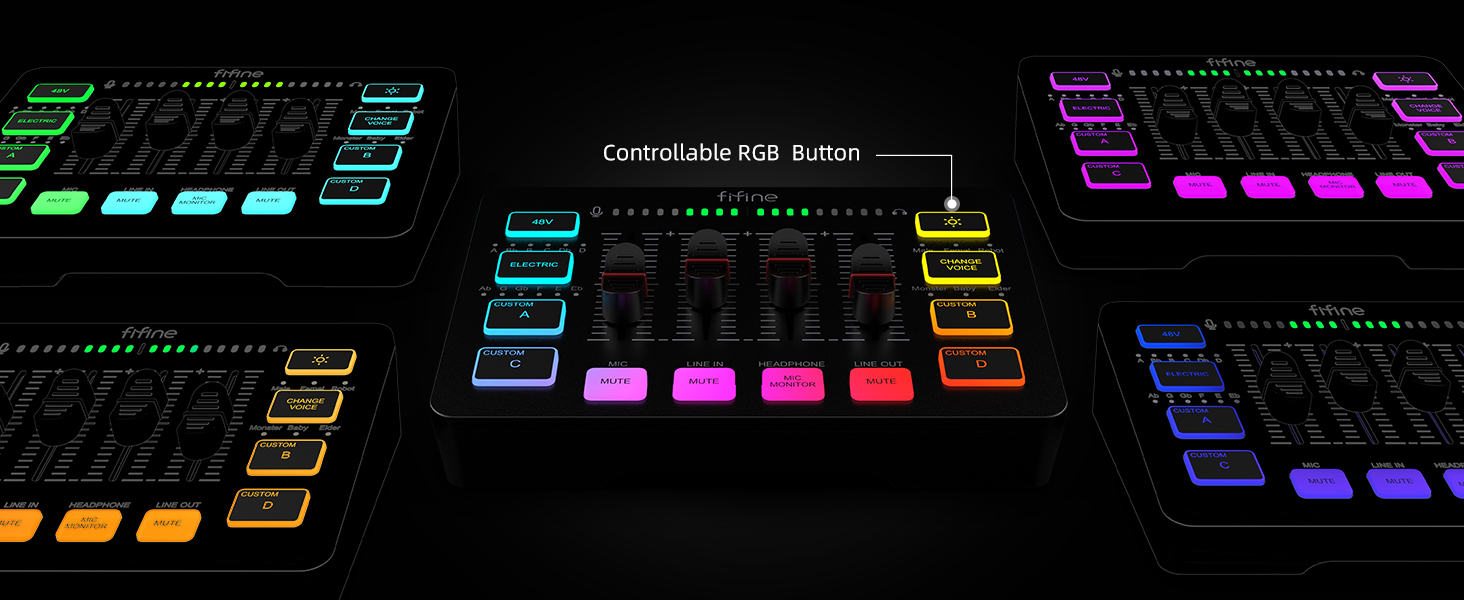
[Controllable Vibrant RGB] Bring Your Live Stream to Life with RGB Lights
Brighten up your live stream with vibrant, non-distracting RGB lights that flow or rotate at a pleasant pace. These lights leave a strong visual impression, making your streaming setup stand out.
[Easy Use for More Scenes] Versatile Audio Setup for Diverse Streaming Needs
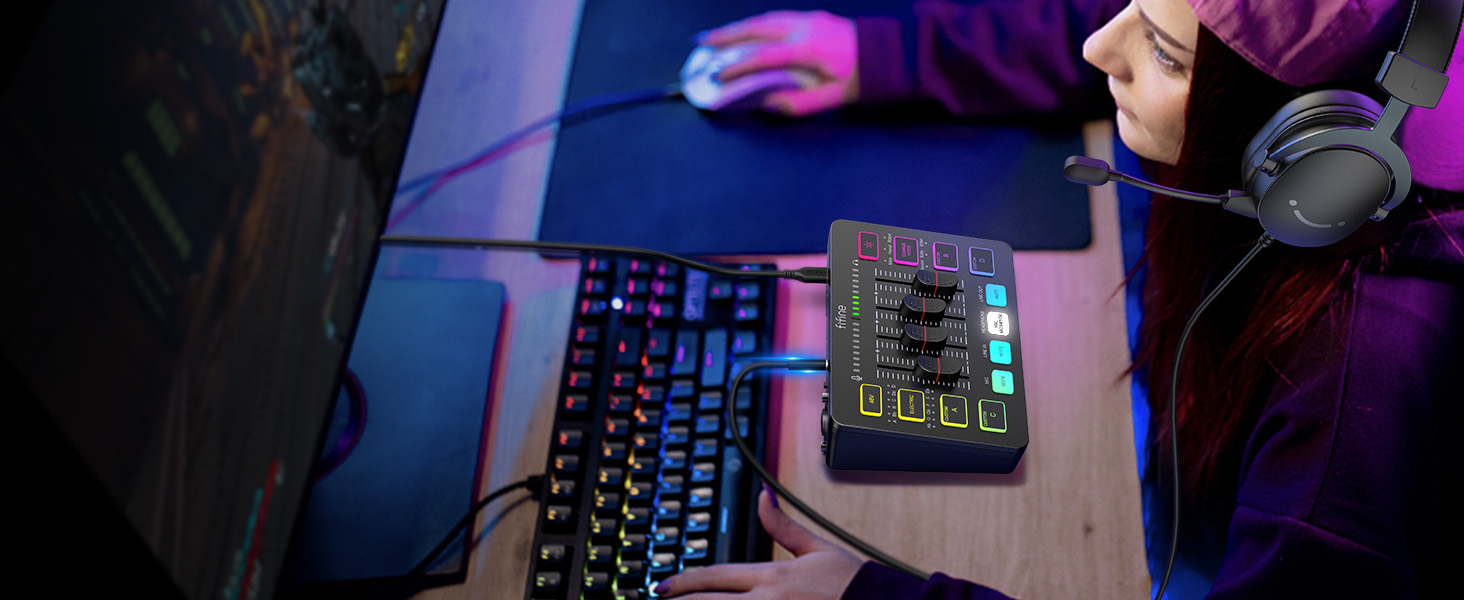
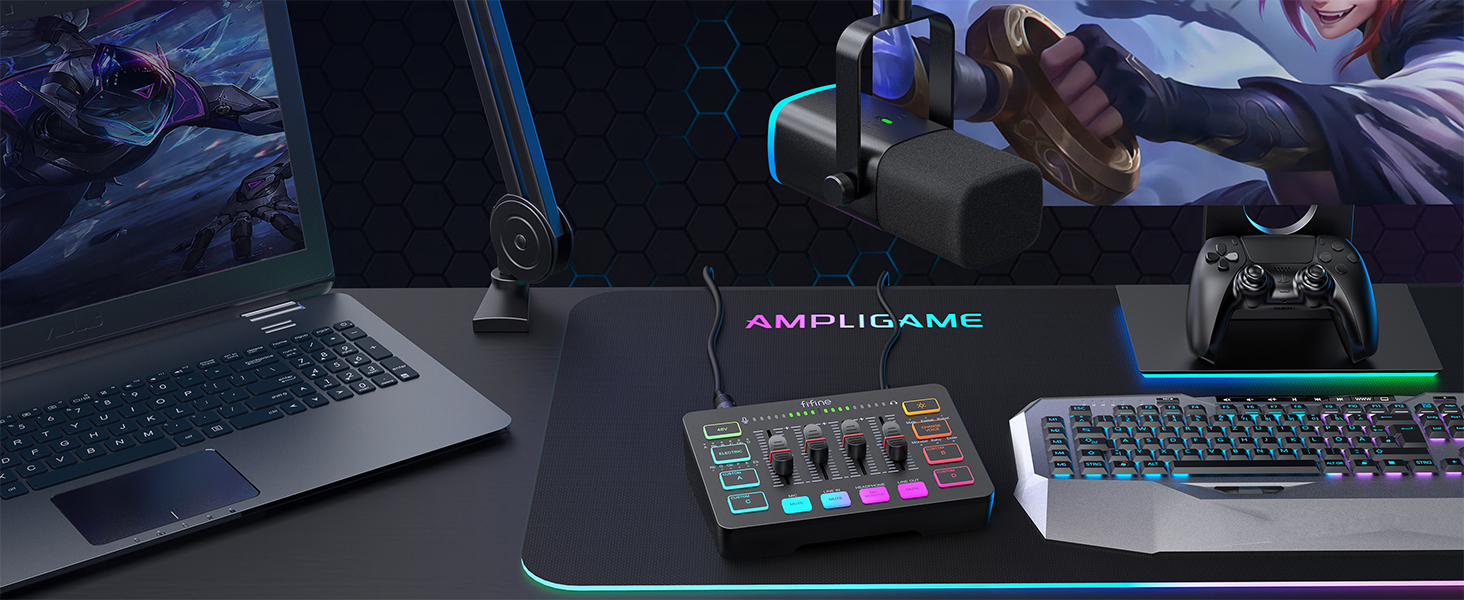
The audio mixer supports two PC settings for flexible audio mixing. It physically balances music, game, and audio settings. Compatible with both Mac OS and Windows, it's a plug-and-play solution for beginner streamers. With two input and two output interfaces (Mic & Line in, Headphones & Line out, and a headset jack), it’s perfect for various streaming and gaming scenarios.
Tips: 1. Use a USB-C to USB-A/C cable to connect the mixer to your computer. 2. Use a 3.5mm to 3.5mm audio cable for LINE IN connections. 3. XLR cables are not included. 4. Inputs: Mic, Line In, and Headset. Outputs: Headphones, Line Out, and Headset.










 New
 New
 New
 New
