

facmogu f998
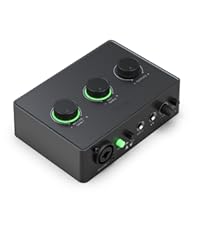
[XLR Mic Input] One XLR microphone input interface is set on the gaming audio mixer to enhance your audio quality. This mixer is perfect for XLR setups and a crucial step to elevate your live streaming audio.
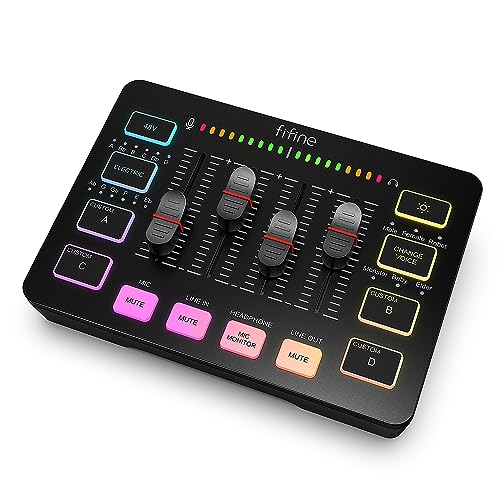
[Individual Channel Control] Experience professional-level streaming with our gaming audio mixer, designed for individual channel control. Four independent channels—MICROPHONE, LINE IN, HEADPHONE, and LINE OUT—provide you with full volume slider faders. Easily configure these channels on your PC audio mixer for a seamless streaming experience.
[Mute and Monitor] Make your live streaming more controlled and clear with our front-mounted mute and monitor buttons. Muting audio effectively prevents background noise from ruining your broadcast. Real-time feedback ensures you speak confidently, and the sturdy control buttons are perfect for smooth operation during your stream.
[Sound Effects] Add a unique touch to your stream with our sound effects. Four pre-recorded customizable buttons can be activated with a single press. Six voice-changing modes and 12 auto-tune settings give you endless customization options. Whether you're a podcaster or a streamer, our mixer offers the perfect touch of fun and professional sound.
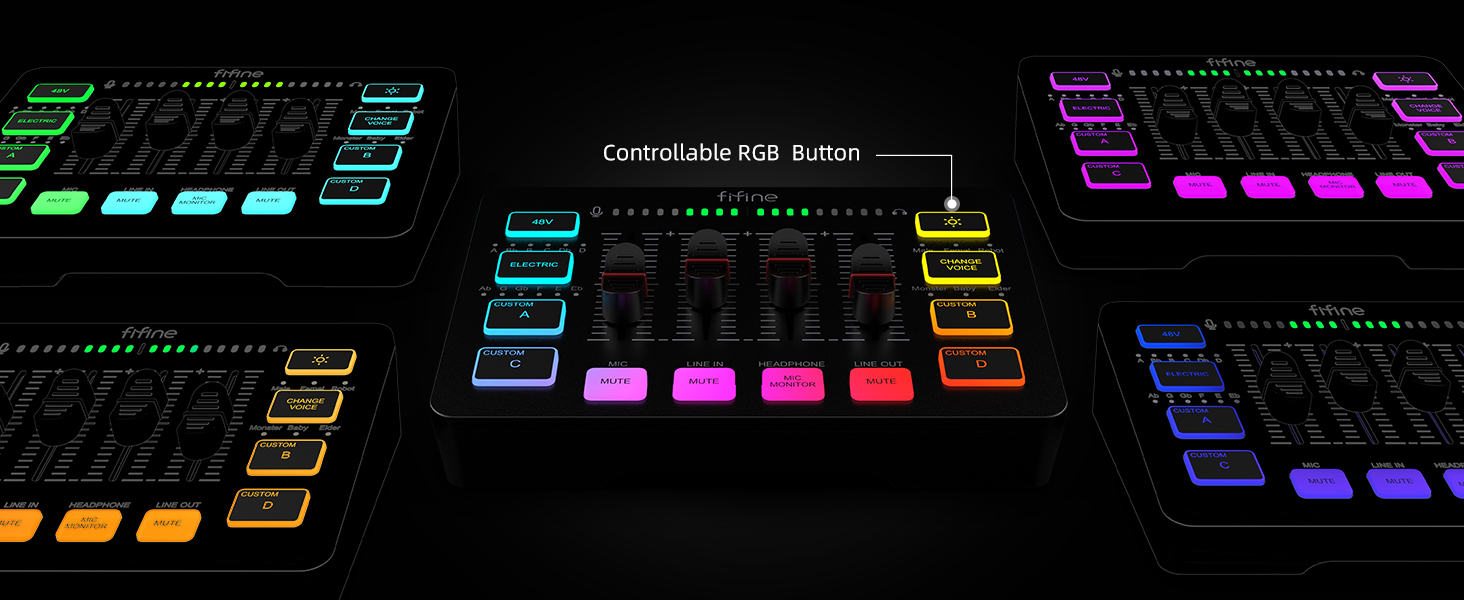
[Controllable Vibrant RGB] Show off your vibrant personality with our RGB lights. The mixer’s lights are designed to be eye-catching without being harsh, making your live stream stand out. The flowing RGB color rotation, either fast or slow, adds a dynamic and engaging element to your stream.
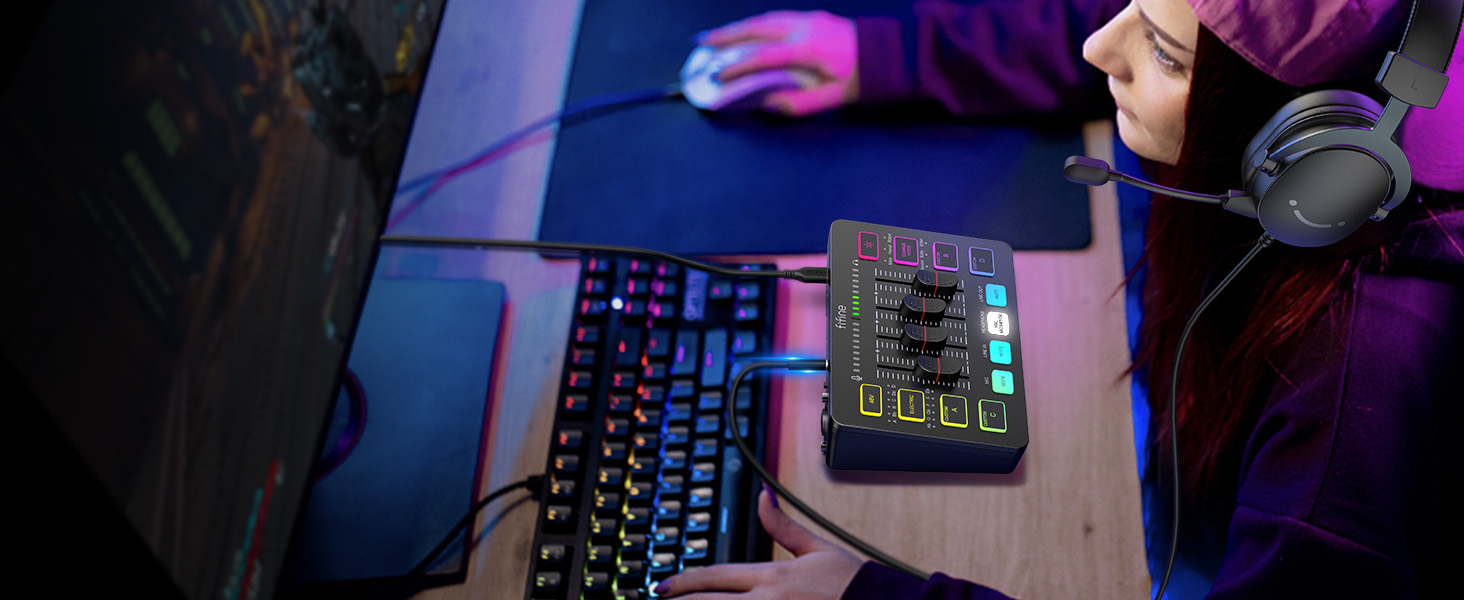
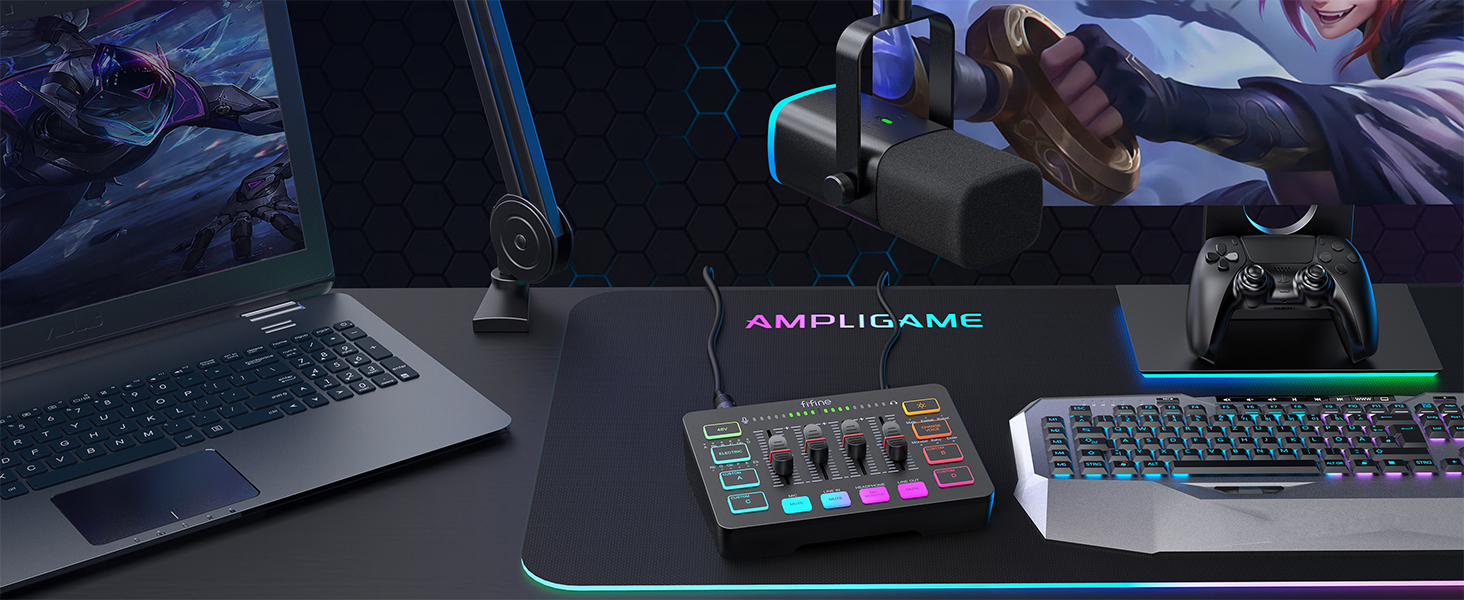
[Easy Use for More Scenes] Our streamer setup mixer is perfect for multitasking. Two input and two output interfaces (MIC and LINE IN, HEADPHONES and LINE OUT) allow you to easily balance music, game audio, or other elements. The mixer can be used with both Mac OS and Windows, and the "Plug 'n' Play" feature makes setup seamless.
[Tips] 1. Use a USB-C to USB-A/C cable to connect your mixer to your computer via the Type-C interface. 2. Connect your 3.5mm audio device (like a phone or tablet) to the mixer via the LINE IN port using a 3.5mm to 3.5mm audio cable. 3. Note that XLR cables are not included. 4. Input interfaces include Mic, LINE IN, and Headset. 5. Output interfaces include Headphones, LINE OUT, and Headset.










 New
 New
 New
 New
